
Adjusting your notification settings
We want to make sure you’re happy with your notification settings - we’re sure you get enough emails as it is!
Here’s how to change your notification settings:
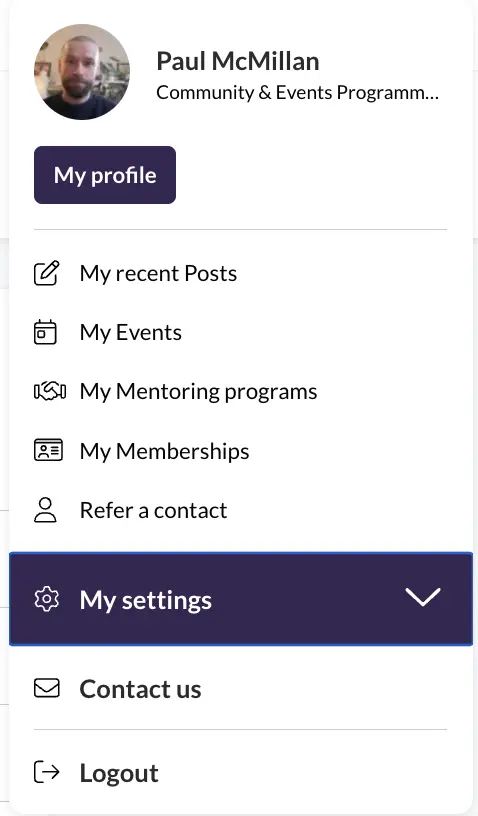
Click on your profile picture in the top right corner of the interface and go to ‘My settings’ and then ‘Notifications’. There you can adjust your notifications in General and for the Groups that you’ve joined. Our default settings are designed to ensure you are kept up to date with important announcements but aren’t inundated with emails, but please do adjust them to whatever suits you best.
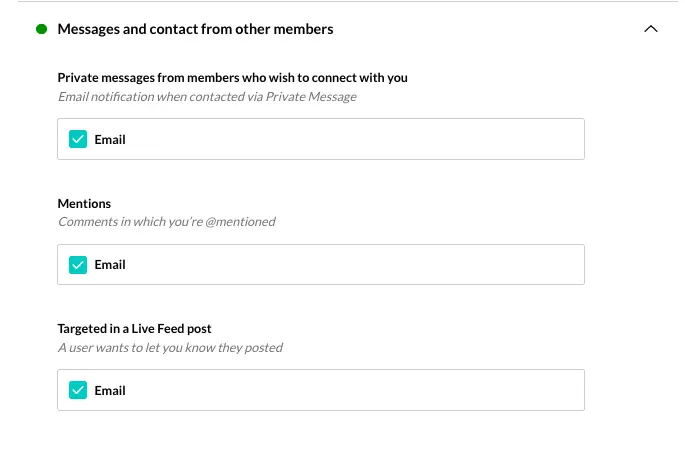
You'll still receive notifications within the community, but you can save your inbox by choosing when you'd like to receive email notifications too.
If you're having any problems or you've got some feedback, don't hesitate to get in touch at [email protected].